Stop Answering the Same Questions: Zendesk Automation for Small E-Commerce
“What’s your return policy?”
“How much is shipping?”
“When will my order arrive?”
If you run a small e-commerce store, you’re answering these every day.
That’s not dedication—it’s a broken system quietly eating your time.
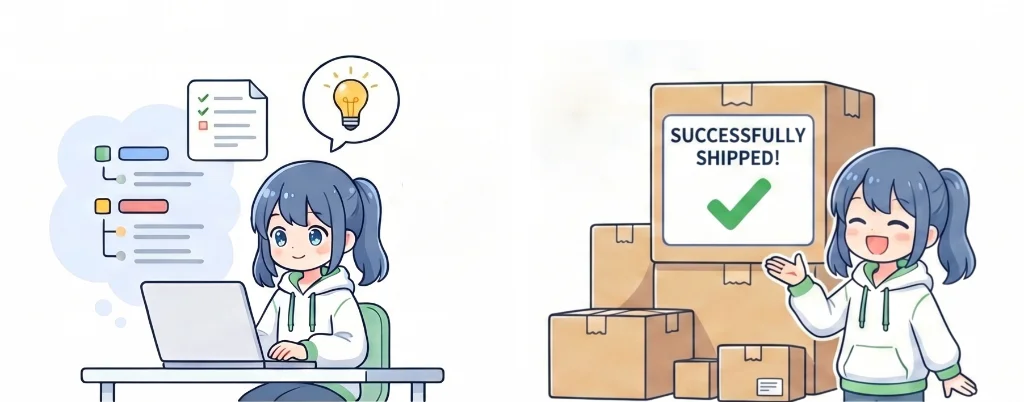
Zendesk automation exists to fix exactly this: take repetitive questions off your plate so you can focus on the ones that actually need you.
The Real Problem Isn’t Workload—It’s Fragmentation
Most small brands don’t have a volume problem at first—they have a system problem.
Messages come from everywhere:
- Instagram DMs
- Contact forms
You’re jumping between tabs, trying to remember who you replied to, and hoping nothing slips through.
That works when it’s just you.
Add more messages—or another team member—and things break: missed replies, duplicate responses, slow turnaround.
That’s not a people issue. It’s what happens without a centralized system.
And here’s the kicker: a huge portion of those messages are the same questions over and over again.
What Changes When You Set Up Zendesk
Once Zendesk is in place, two things immediately shift.
One Inbox for Everything
All messages—email, Instagram, Messenger, WhatsApp—flow into one ticket system.
You don’t have to check multiple platforms. You don’t have to guess conversation history.
Everything is in one place.
(Keep in mind: social integrations require higher-tier plans—always check what’s included before signing up.)
Automated Replies for Repeat Questions
For common questions like shipping, returns, and order status, you don’t need to type the same answer every time.
Zendesk uses:
- Macros → pre-written responses
- Triggers → automatic actions based on conditions
Together, they turn repetitive support into a one-click (or zero-click) process.
Even before automation, just consolidating your inbox reduces mental load dramatically.
More to Explore
Essential Tools for Solo E-Commerce — Site, Support, Payments, and Marketing Explained
Run the ROI Before You Commit
Before adding any tool, check if the math works.
Simple model:
| Monthly cost | Check Zendesk’s current pricing |
| Time saved per day | ~1 hour |
| Monthly time saved | ~20–25 hours |
| Value of time ($15/hr example) | ~$300–$375 |
If you’re spending 1–2 hours a day on support—and a chunk of that is repetitive—this usually pays for itself quickly.
Also factor in future growth.
Zendesk scales with you. You won’t need to switch systems later, which avoids migration costs and retraining.
More to Explore
AI Exhibition Proposal Generator — How I Use Gamma to Build a Clean, Structured Deck in Minutes
A Simple 3-Step Setup (Don’t Overcomplicate It)
Trying to configure everything at once is where most people get stuck.
Do it in phases.
Phase 1: Centralize Your Messages
Connect:
- Facebook Messenger
That’s it.
Don’t touch automation yet. Just get everything into one inbox.
Phase 2: Automate Your Top 5 Questions
Look at your recent messages.
Find the questions you answer most often.
Create:
- A macro for each
- A trigger to apply it automatically
This step alone can cut your workload significantly.
Phase 3: Build Self-Service
Once automation is working:
- Add tags and categories
- Build a help center
- Create FAQ pages
Do this gradually—no need to rush.
Once all three phases are in place, you’ve moved from reactive support to a system that handles most requests automatically.
Start with the free trial and see if it fits your workflow before committing.