How to Choose a Website Platform: 3 Questions to Avoid a Costly Mistake
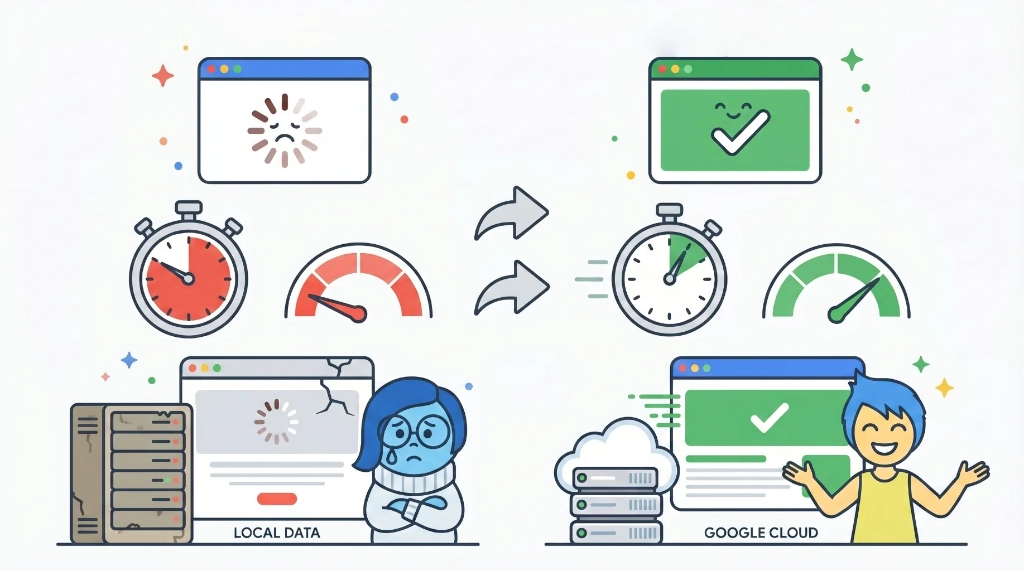
Why Getting This Wrong Is Expensive
Switching platforms later is more painful than it sounds.
You’re not just moving content—you’re dealing with URL changes, SEO resets, broken links, and rebuilding parts of your site from scratch.
That’s why it’s worth slowing down and getting this decision right early.
What Each Platform Actually Means
WordPress.com is a fully managed version of WordPress. The infrastructure is handled for you—hosting, security, backups, performance.
Self-hosted WordPress (WordPress.org) gives you the same core system, but you’re responsible for everything around it.
Squarespace is a standalone builder focused on design and simplicity. It’s easy to use and looks good out of the box.
Each option works—but they come with very different trade-offs.
3 Questions to Choose the Right Platform
Question 1: How much technical work do you want to deal with?
This is the biggest filter.
If you want to avoid technical work entirely, WordPress.com and Squarespace both handle it for you.
The difference:
- WordPress.com → more flexibility long-term
- Squarespace → easier design and faster setup
If you’re comfortable handling technical tasks, self-hosted WordPress gives you the most control—but also the most responsibility.
More to Explore
Cheap Hosting Isn’t Actually Cheap — Here’s What Those Hidden Costs Add Up To
Question 2: What are you actually building?
Your use case matters more than features on paper.
For blogs, business sites, or service pages: all three options can work—go back to Question 1.
For e-commerce: WordPress.com (with WooCommerce) offers strong flexibility, while Squarespace works better for simpler stores.
For portfolios or design-heavy sites: Squarespace makes it easier to get a polished result quickly.
Question 3: Who’s going to maintain it?
If you’re managing it yourself:
WordPress.com and Squarespace both make updates simple. You can edit content, add pages, and make changes without technical knowledge.
Self-hosted WordPress is manageable—but only if you’re comfortable troubleshooting issues.
If you’re hiring help:
Keep control of your accounts. Your login credentials should always belong to you.
Losing access to your own site is one of the most common—and painful—mistakes.
More to Explore
WordPress Beginner Mistakes to Avoid — I Learned These the Hard Way
Side-by-Side Comparison
| WordPress.com | Self-Hosted WordPress | Squarespace | |
|---|---|---|---|
| Technical barrier | Low | High | Low |
| Maintenance | Platform handles it | You handle it | Platform handles it |
| Design flexibility | High | Highest | Moderate |
| E-commerce | Full | Full | Basic |
| Ecosystem | Large | Largest | Smaller |
| Best for | Non-technical users, long-term growth | Technical users, full control | Design-first, simple sites |
Thinking About Self-Hosting?
It’s a valid option—but run the full calculation.
Hosting fees, plugin costs, and time spent maintaining everything can close the gap with managed platforms faster than expected.
More to Explore
Cheap Hosting Isn’t Actually Cheap — Here’s What Those Hidden Costs Add Up To
If you’re still leaning that way, it’s worth looking deeper into how to evaluate hosting providers.
More to Explore
How to Pick Shared Hosting Without Wasting Money — A Beginner-Friendly Guide
Where Most People End Up
Self-hosted WordPress works best if you have technical skills or support.
Squarespace is great for design-focused, simpler builds.
For most people who want a site that works without constant maintenance, WordPress.com hits the balance.
It removes the technical overhead while keeping the flexibility to grow.
If your goal is to spend time on your business—not your infrastructure— that’s usually the right place to start.