Is WordPress.com Right for You? 3 Situations That Say Yes
If you’re a developer, enjoy managing servers, or already have technical support in place, you’ve got more options—and this probably isn’t aimed at you.
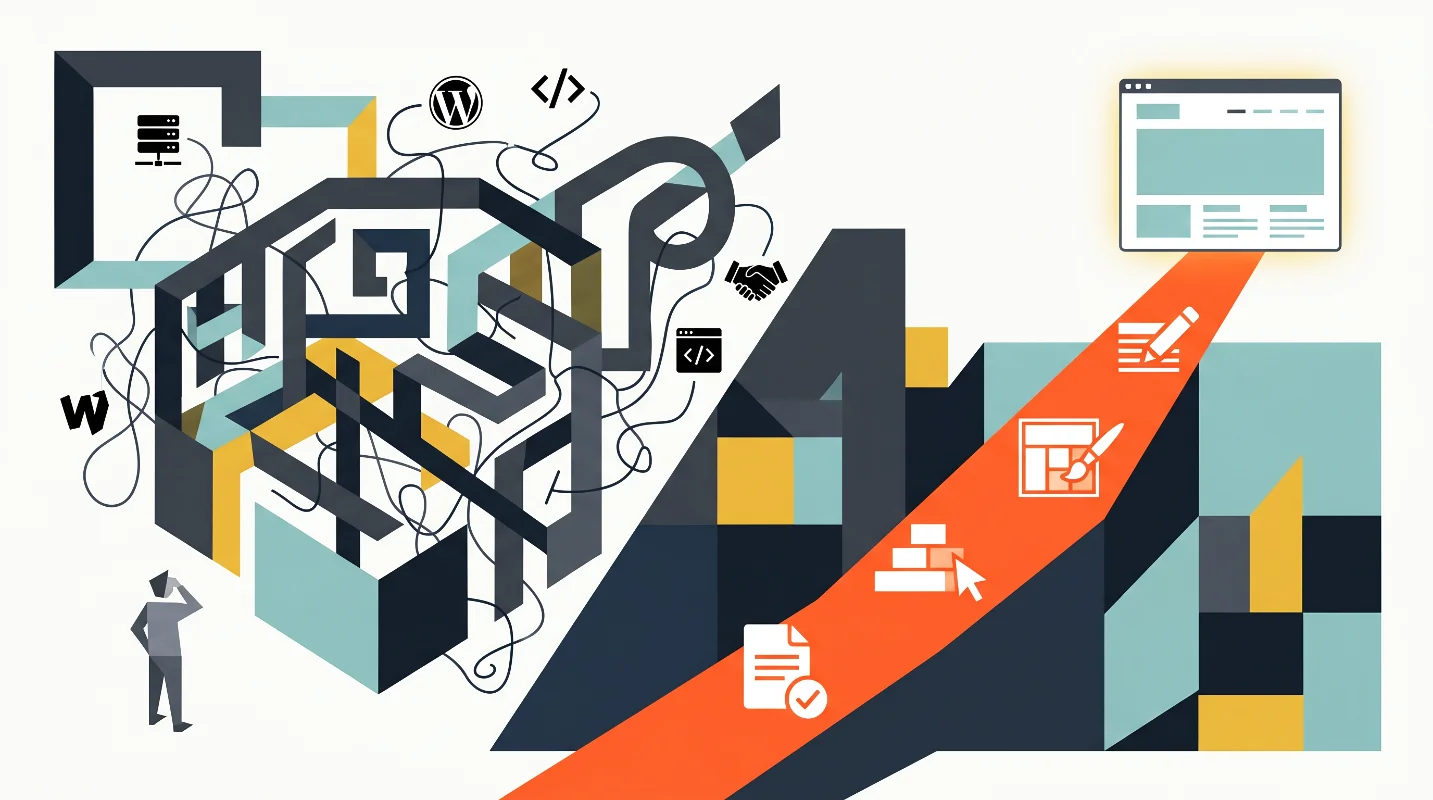
This is for business owners who see their website as a tool, not a project. You want it to work, you want to be able to update it yourself, and you don’t want to think about infrastructure.
If that sounds like you, check these three situations.
Situation One: You Don’t Have a Website Yet—and You Keep Delaying It
You know you need a site. You’ve probably looked into it a few times.
But every time you try to move forward, you get stuck comparing platforms, pricing, and setup options. After a while, it’s easier to put it off again.
That’s not a lack of effort—it’s decision overload.
At some point, more research stops helping. You just need a starting point that’s simple enough to act on.
WordPress.com removes most of the decisions that slow you down. No hosting to compare, no setup process to figure out, no plugins to evaluate upfront.
Pick a plan, choose a theme, add your content—and you can have something live quickly.
Every week without a site is missed visibility. That cost adds up quietly.
More to Explore
WordPress Beginner Mistakes to Avoid — I Learned These the Hard Way
Situation Two: You Have a Website—but You Can’t Easily Update It
The site exists, but making changes is a process.
You message someone, wait for a reply, confirm what needs to be done, then wait again. Even small updates can take days.
In some cases, you might not even have direct access to your own site.
That’s not just inconvenient—it limits how quickly you can act.
A managed WordPress.com setup gives you control back. You log in, make changes, and publish when you’re ready.
No waiting, no back-and-forth.
That kind of control should be standard—but it often isn’t.
More to Explore
Why Business Owners Should Just Go with an Official WordPress.com Plan
Situation Three: Your Site Has Gone Down Before
If your site has ever gone offline, you know how frustrating it is.
You don’t know what caused it, how long it’s been down, or how many visitors were affected.
You reach out for help—and wait.
That’s less about the outage itself and more about trust. You need to know your site will be there when people try to access it.
Managed platforms are built around that expectation.
Monitoring, backups, and stability are handled at the platform level, so issues are often resolved before you even notice them.
More to Explore
Cheap Hosting Isn’t Actually Cheap — Here’s What Those Hidden Costs Add Up To
If This Sounds Familiar, the Next Step Is Simple
No matter which situation you’re in, the path forward is straightforward:
Pick a plan, connect your domain, choose a theme, and start building.
There’s no infrastructure to configure and no technical setup blocking you.
WordPress.com pricing and features can change, so check the official site before signing up.
At that point, your focus shifts to what actually matters: what your site says, who it’s for, and what you want visitors to do.
You already know the problem.
The only thing left is deciding to move.