No Exhibition Landing Page Yet? Build One Fast with Gamma AI
Two weeks before the event—and your exhibition landing page still isn’t done.
You open a design tool, stare at a blank canvas, and end up recycling last year’s version. Change a few details, swap a few images, and it still feels off. You publish it anyway the night before—and then someone finds a broken link on day one.
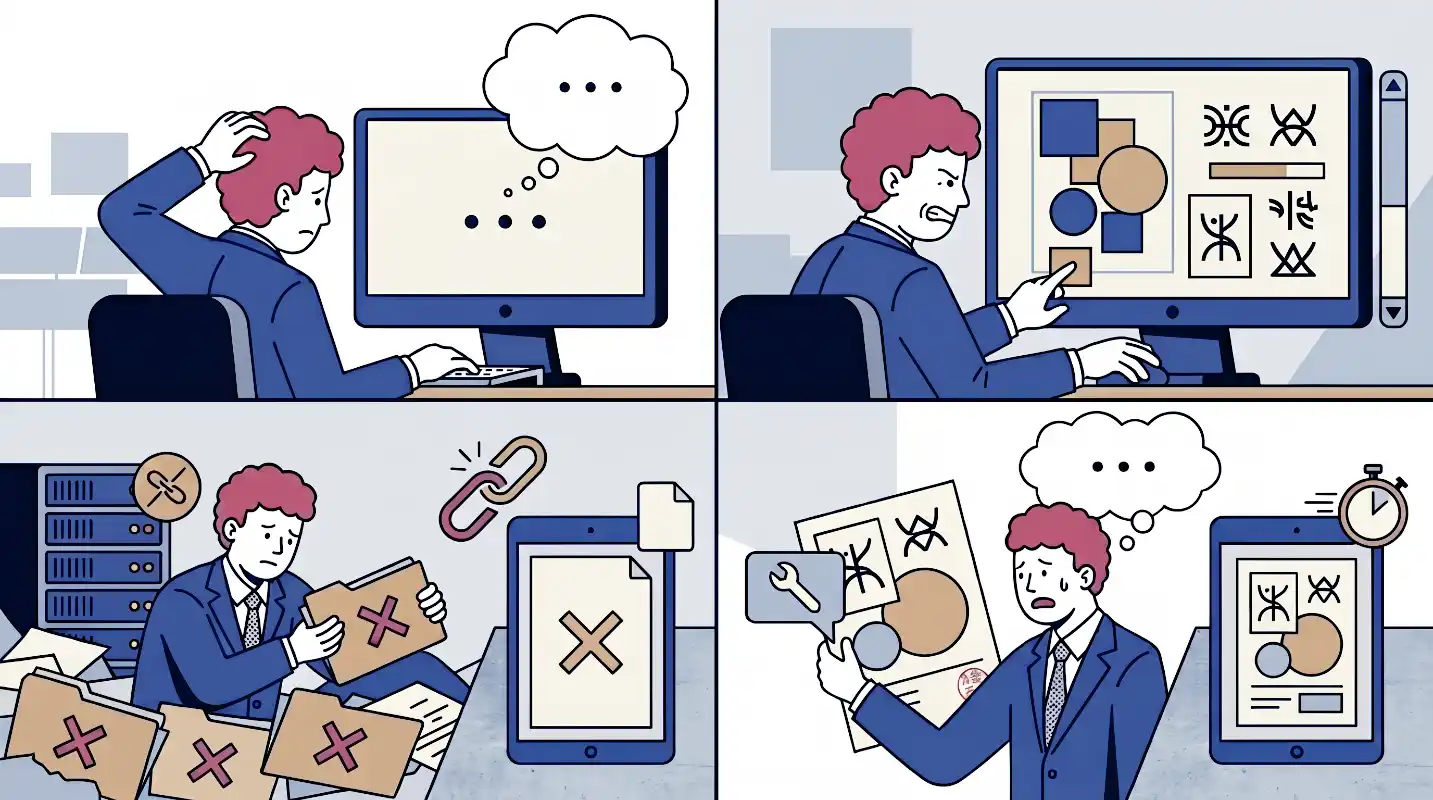
This isn’t about productivity.
It’s about using the wrong tool for the job.
Why Exhibition Pages Take Longer Than They Should
Starting from a blank page slows everything down
You already know what you want to say.
But writing from scratch takes time. You end up rewriting the same intro over and over, trying to get it to sound “right.”
The problem isn’t the message—it’s starting from zero.
Design without design experience
You want it to look decent—but you’re not a designer.
So you tweak fonts, spacing, and colors until it’s “good enough,” without really knowing why it works (or doesn’t).
No reusable system
Last year’s file is outdated, hard to find, or doesn’t match your current branding.
So every new event feels like starting over.
Last-minute changes create chaos
Booth number changes. Schedule updates. New offers.
Each change means editing, re-exporting, re-uploading—and making sure everyone has the latest version.
This isn’t a workflow issue. It’s a tooling issue.
What an Exhibition Landing Page Actually Needs
Most pages don’t need to be complex.
They need to be clear—fast.
Visitors should understand in seconds:
- Who you are
- What you offer
- Where to find you
- What to do next
That usually means:
- Brand identity
- Core message
- 1–3 key offerings
- Event details (date, location, booth)
- A clear call to action
Once you know that structure, the tool just needs to fill it quickly.
Why Gamma Works for This
Gamma combines AI-generated content with built-in design structure.
Instead of building from scratch, you:
- Describe what you need
- Get a full draft
- Edit and publish
Here’s what that changes:
You don’t start with a blank page—you start with a draft.
Design decisions are handled by templates, not trial and error.
Everything lives on one URL—no exporting or version control issues.
Updates go live instantly.
And the final page works anywhere—link, email, social, or QR code.
Most exhibition pages can be built in under an hour this way.
How to Build Your Page (Step by Step)
Step 1: Prepare your inputs
Before opening Gamma, gather:
- Brand name + HEX color
- Event name, date, location
- Booth number
- 1–3 key offerings
- Target audience
- Desired action (book, scan, contact)
Better input = less editing later.
Step 2: Write a clear prompt
Use context, not vague instructions.
Example:
“We’re a B2B industrial equipment company exhibiting at Hannover Messe 2026. We build conveyor systems for automotive manufacturing. Our audience is plant managers and engineers. Goal: book consultations at our booth.”
The clearer the prompt, the better the output.
Step 3: Pick a template + apply branding
Choose a layout style.
Add your HEX color.
Most of the visual work is done automatically.
Step 4: Review and fix details
Check:
- Event info (dates, booth)
- Tone and messaging
- Images (replace placeholders)
Focus on accuracy first, then polish.
Step 5: Add CTA and publish
Link your button to:
- Booking page
- Website
- Contact channel
Publish and copy the URL.
If you’re using QR codes, generate them now.
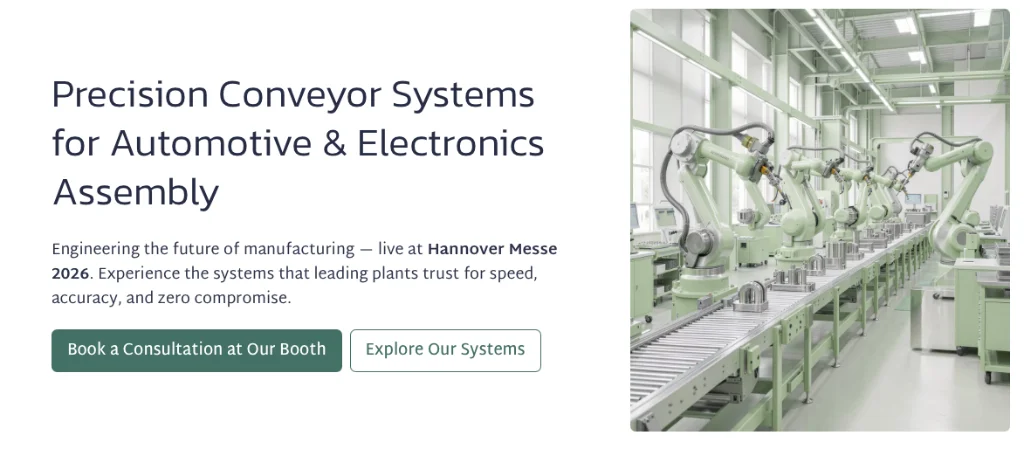
One Page, Multiple Uses
Before the event: Use it in outreach emails.
During promotion: Share it on social instead of “DM for details.”
At the booth: Turn it into a QR code.
After the event: Update it into a follow-up page.
Same URL. No rebuild needed.
The Real Benefit: Time Back
Your landing page doesn’t determine event success.
Your conversations do. Your demos do. Your prep does.
If you can build the page in an hour instead of half a day, that time goes somewhere more valuable.
That’s the real advantage.
Start with the free plan and see if it works for your workflow.